One library, two audiences.
Internal teams and external contributors (agencies, freelancers, distributors) need to work from the same source without seeing each other's private files.
Pics.io is an enterprise digital asset management system built for mid-size teams like yours. As you add markets, brands, and outside partners, your asset library has to keep up without turning into a security problem. We built Pics.io with that in mind.
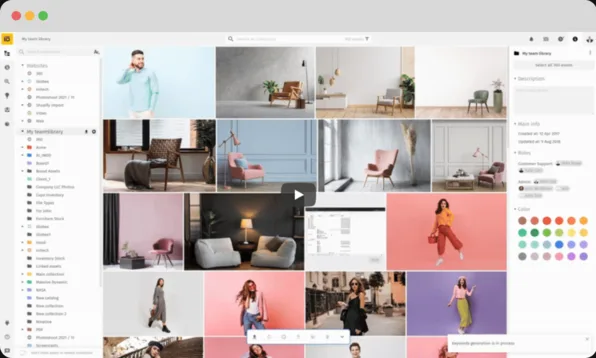
Keep your files in Google Drive or Amazon S3 and add SSO, custom roles, and audit trail.


































Beyond file storage
Enterprise digital asset management is a centralized system for storing, finding, governing, and sharing brand assets across departments, markets, and external contributors. It adds the access control, security review, and integrations that a growing organization needs on top of basic file storage.
A large headcount doesn’t necessarily make DAM "enterprise". What matters more is your needs and requirements. For example, a 40-person marketing team running five regional brands has enterprise needs; a 500-person company with one small design team might not.
Internal teams and external contributors (agencies, freelancers, distributors) need to work from the same source without seeing each other's private files.
Assets have to stay organized and findable whether you run three brands or thirty regional storefronts.
Every team tags and names things differently on its own. An enterprise library needs shared rules everyone follows.
Creative tools, CRMs, CMSs, and approval chains all need to plug into the same library instead of working around it.
Before the shortlist
Before you book a demo or start procurement, here's what to check against any enterprise DAM vendor, including us:
The governance model
Access typically narrows the further out you go, dropping from full admin control down to a partner who only sees what's shared with them.
Manages roles, billing, and integrations
Full access within their own collections
Access limited to only what they need
Views and downloads via a link, no login needed
Roles + collections
The more teams, agencies, and external partners touch your library, the harder it gets to keep control of who sees what. Pics.io handles this with role- and team-based access: each role defines exactly which collections a person can see, and what they can do inside them, whether it’s upload, edit, share, approve, or just view.
External partners work the same way. An agency or freelancer gets access to the collections they need and nothing else, so internal-only material never leaves the building by accident. As you add more teams and partners, you're scaling a governance model, not just adding more folders.
Internal user
83 users
Accessible folders
Agency user
23 users
Accessible folders
Built for your IT review
Before you migrate or roll out a new DAM, your IT team wants answers on hosting, data control, and compliance. We get that.
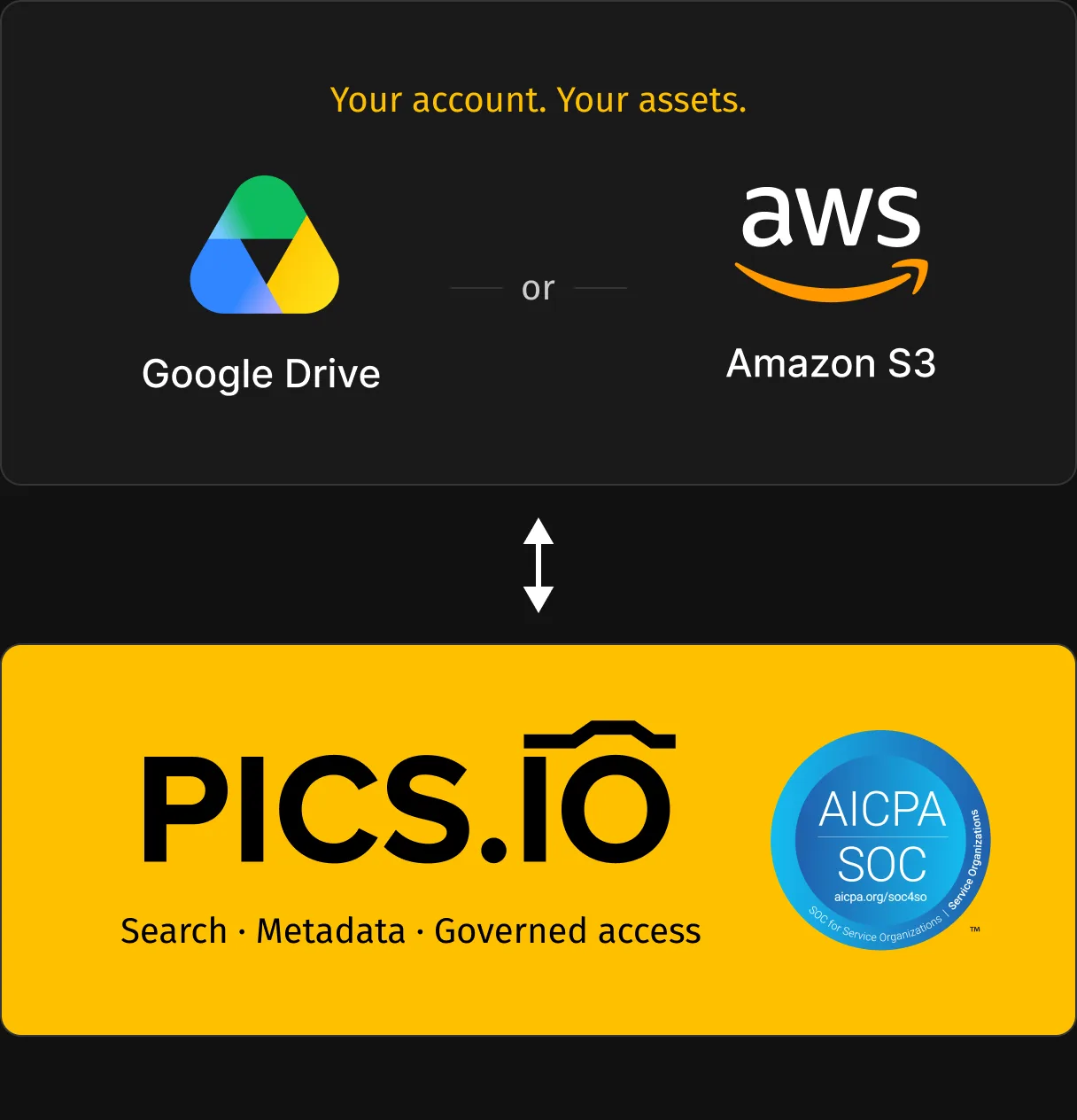
Pics.io runs on Amazon S3 and Google Drive, so your files stay on infrastructure you already trust, backed by active vulnerability monitoring and a public uptime status page. We're currently in the process of a SOC 2 Type I audit covering Pics.io, under the Security category. Track real-time status on our Trust Center at trust.pics.io.
Data ownership works the same way as everything else here: with BYOS, your assets never leave your own Google Drive or S3 bucket, so there's nothing to hand back if you ever decide to leave.
Familiar tools. Governed assets.
Rolling out a new DAM usually means retraining every team on a new interface. Pics.io MCP lowers that barrier: once it's connected, people can find governed assets from inside the AI assistant they already use every day, without learning a new tool first.
Pics.io MCP connects your library to Claude, ChatGPT or Gemini, so employees can search for assets in plain English instead of learning folder structures or filters. It respects your existing Pics.io permissions, so a person only ever sees what they're already allowed to see in Pics.io itself.
The scope is intentionally narrow: MCP can search assets, read metadata, and generate previews. It's read-only, so it can't upload, edit, move, delete, or share anything, and your IT team doesn't need to treat it as a new access risk.
In practice, someone might simply ask: “Find approved product photos for the spring campaign.” The assistant points them to matching assets from Pics.io, respecting whatever access that person already has.
Found 6 in Marketing / Campaigns:
Ask Pics.io for any asset…
Different teams. One library.
Your files stay yours either way. If you connected your own Google Drive or Amazon S3, nothing changes because your files have always been there and stay exactly where they are. If you used Pics.io storage instead, we help you export your full library before you go.
Usually there are three groups that share it. Marketing or brand ops runs the day-to-day library for uploads, tagging, and structure. IT connects single sign-on and reviews DAM security. Admins manage roles and decide who gets access to what.
There's no hard ceiling, and the real limit depends on where your files live. With your own Google Drive or Amazon S3, capacity depends on your plan with that provider. With Pics.io storage, Enterprise plans start at 5TB and expand as you grow.
Yes, many customers using our enterprise digital asset management platform do exactly that. Set up top-level collections for each brand or region, then use roles to control which teams and partners can see and work inside each one, all from a single account.
It's the same core system with governance layered on top: role-based access across teams and external partners, security review your IT team can complete, SSO, and audit trails. Regular DAM covers search and organization; enterprise DAM adds the controls a growing, multi-team organization needs to use it safely.
Book a demo and we'll walk through your own files, your access and security requirements, and how Pics.io suits your specific needs.
On the call, you'll get:
By submitting this form, I agree to Pics.io Terms of Service and Privacy Policy and will receive communications from Pics.io