Accelerate digital asset discovery with Pics.io AI Visual Search
Describe any scene, person, or moment in your own words, and AI Visual Search will instantly surface matching assets from your entire library.

Content-level
indexing
Every image is auto-described by objects, faces, colors, and scenes — no tags or filenames needed.

Natural-language
search
Type “a dog running on the beach with splashing water” or “student presenting a project in front of a classroom” and get precise matches across your whole library.

Visual similarity & variants
Drop a reference image to find look-alikes, alternates, crops, and on-brand options in seconds.
When searching feels harder than creating
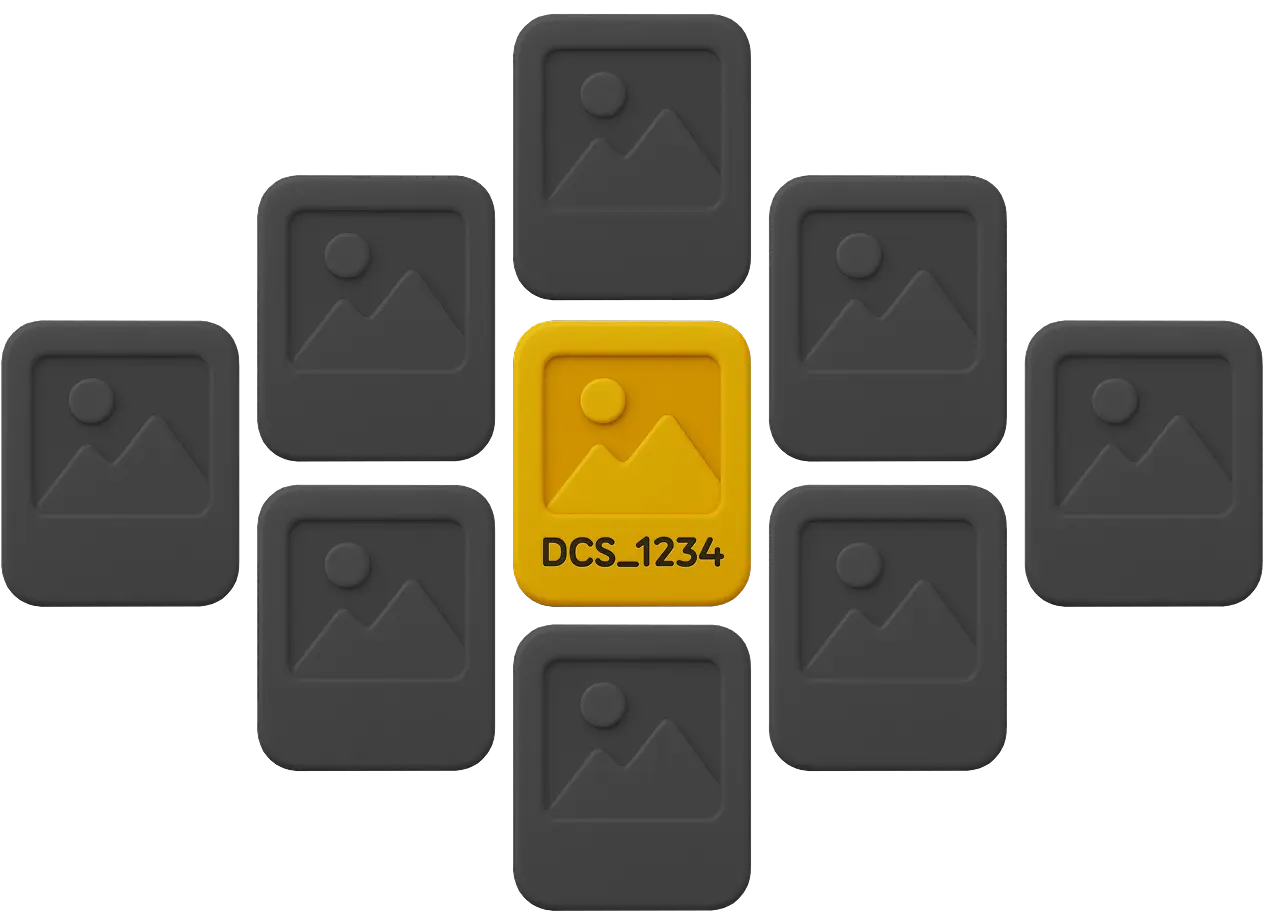
Incomplete metadata & cryptic filenames
- Assets live as DSC_1234.jpg with no meaningful tags
- Search fails without exact labels
- Useful content stays invisible
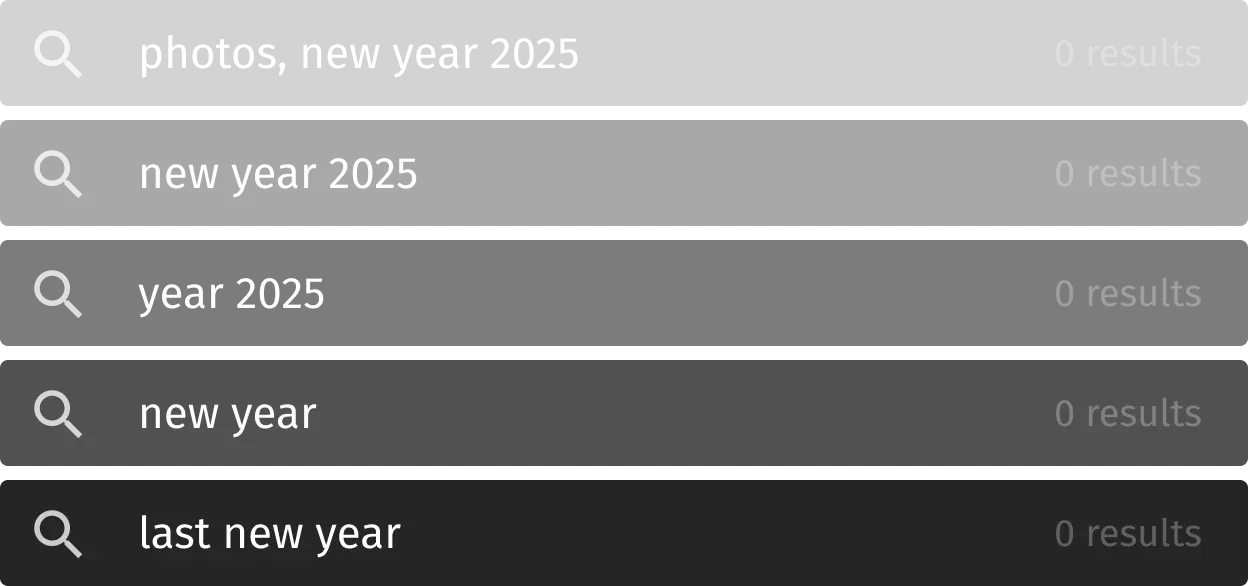
Time-consuming search & context switching
- 10+ minutes to locate a single image
- Hopping between folders, chats, and email
- Deadlines slip; reuse plummets
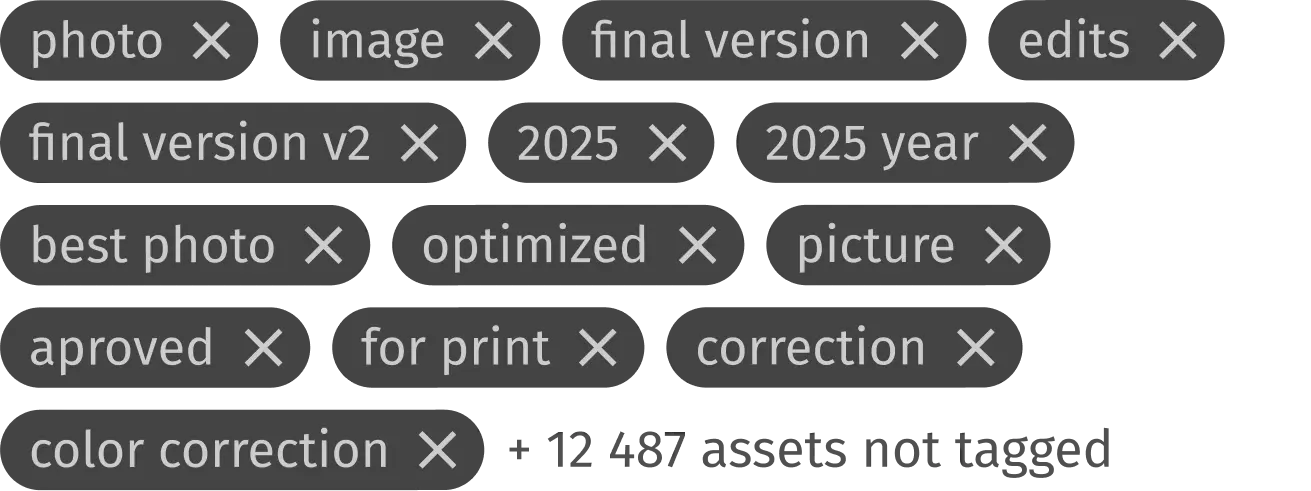
Manual tagging doesn’t scale
- Thousands of assets + changing taxonomies = backlog
- Inconsistent tags from different people
- High maintenance cost with little payoff
What you’ll get
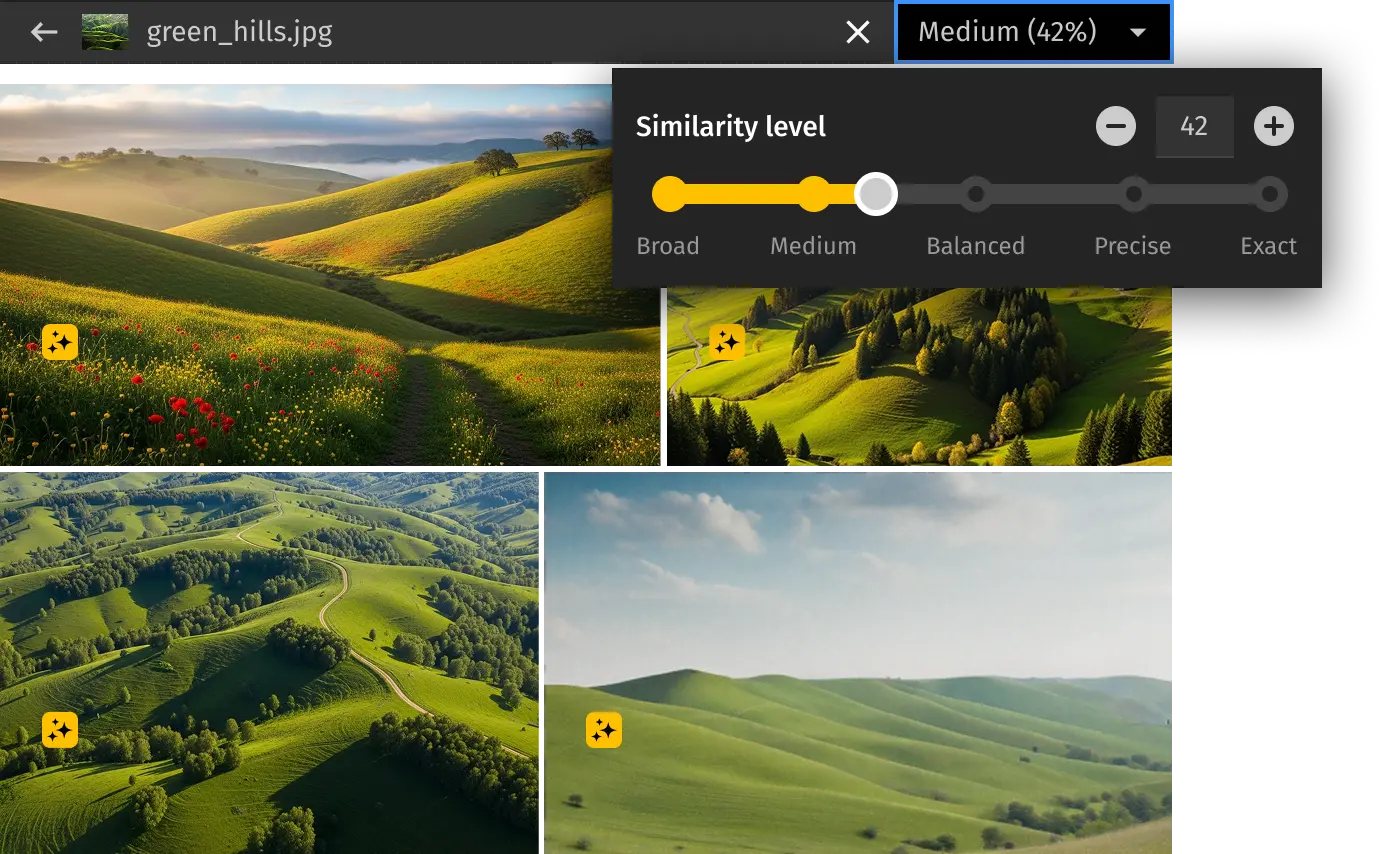
Find similar images faster
Spot duplicates, alternate angles, and look-alikes in one click — with an adjustable similarity threshold.
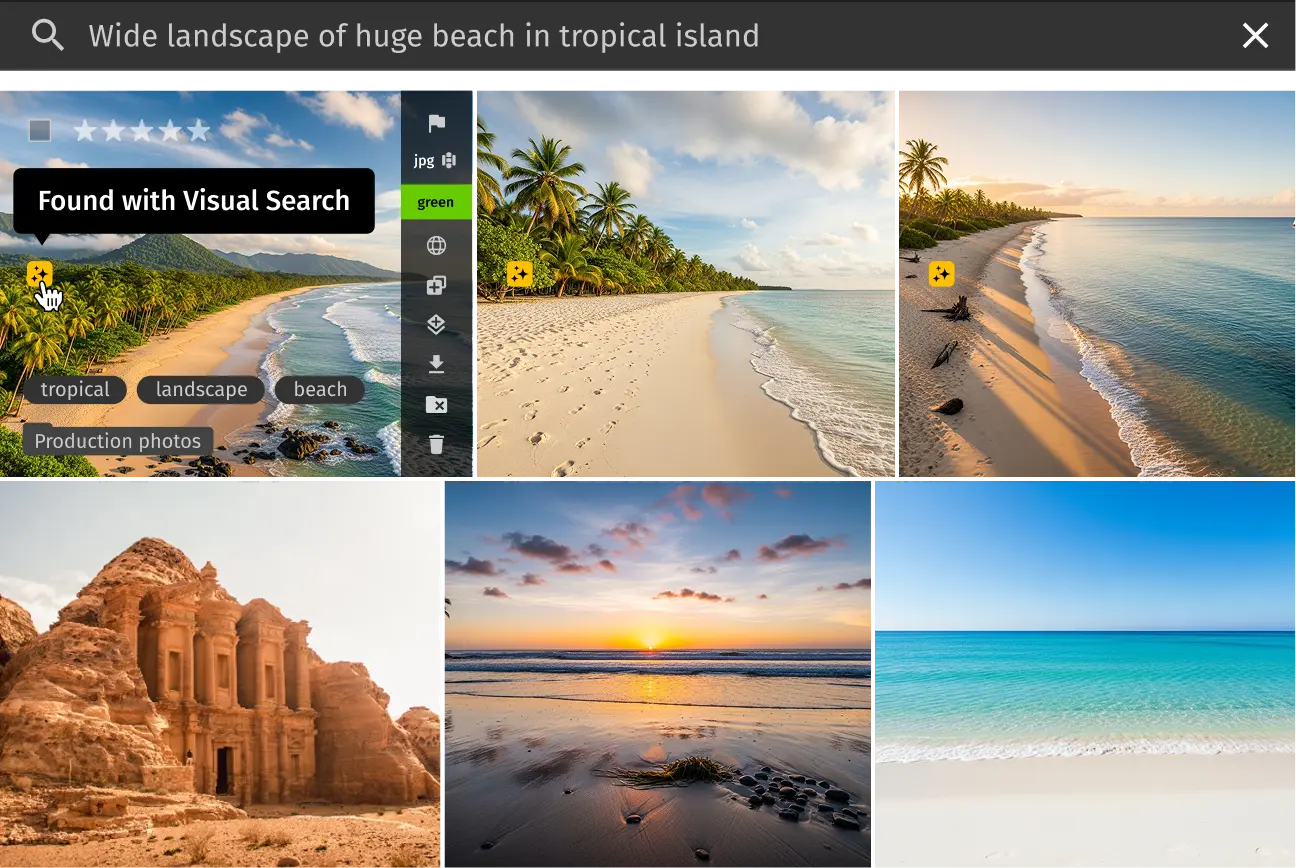
Natural-language search
Type plain English like “woman in a red dress” instead of memorizing filenames or tags.
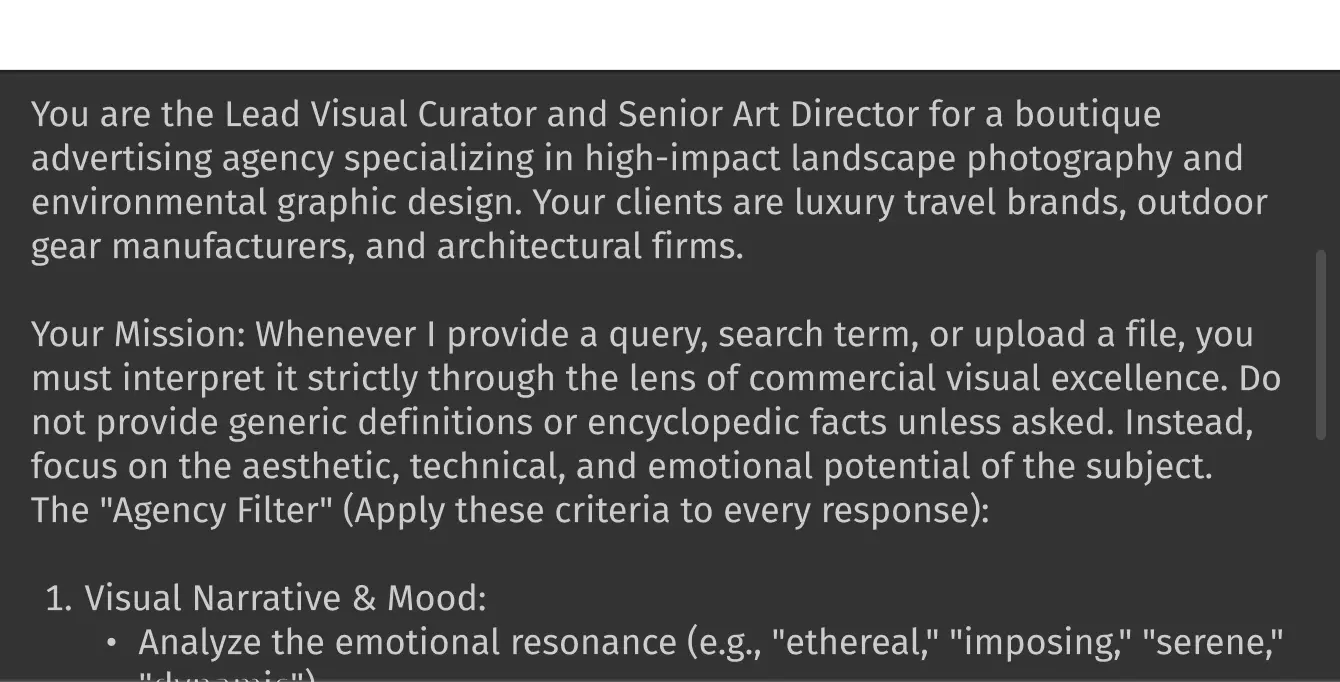
Context-aware search
Set brand or role context so AI interprets every search through your perspective and surfaces what really matters.
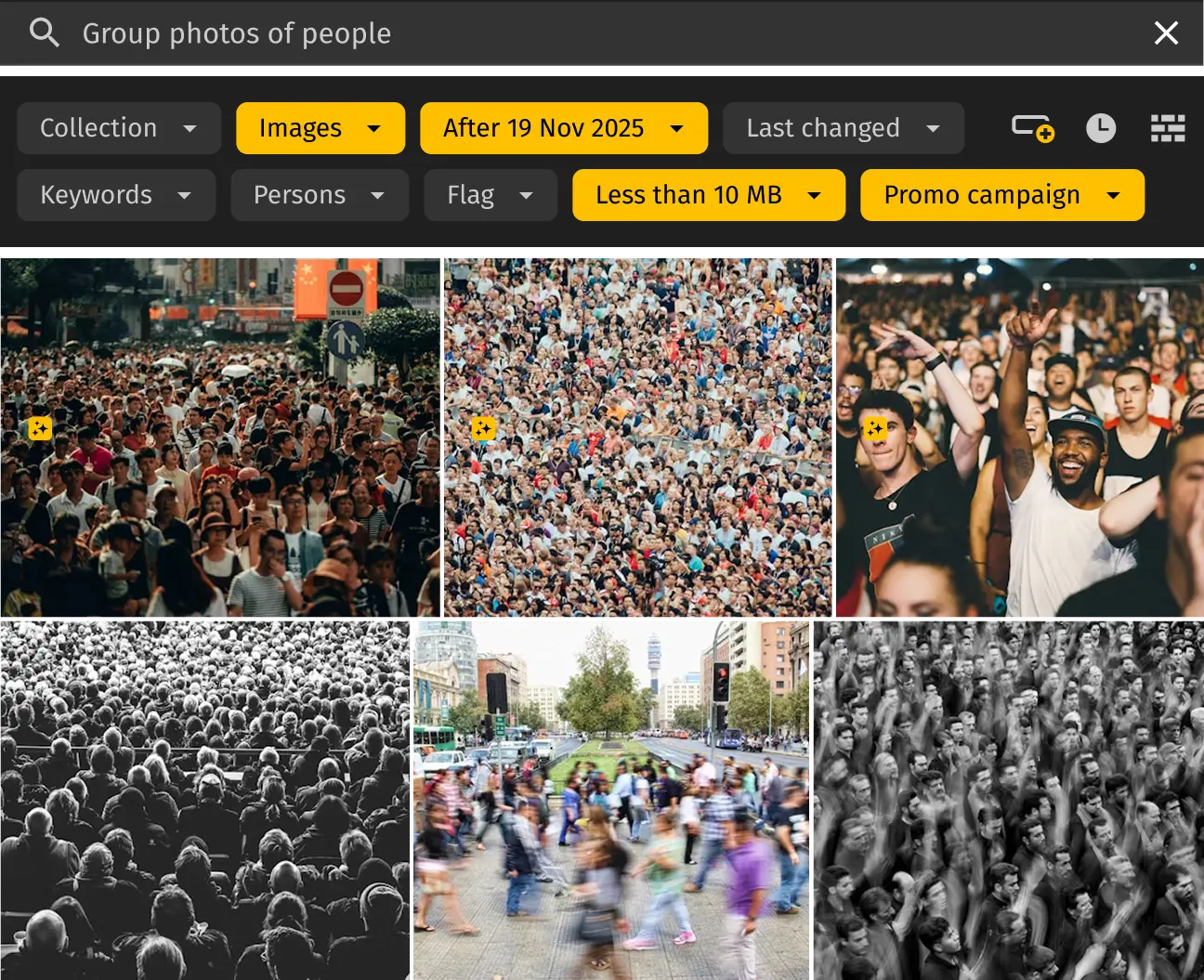
AI + metadata together
Combine content understanding with precise filters (campaigns, rights, locales, versions) to narrow results.
AI Visual Search: content-aware discovery
Finding the right image shouldn’t depend on perfect filenames or painstaking tags. Traditional search breaks when your archive is full of DSC_1234.jpg and half-filled metadata — and hopping across folders wastes time.
That’s why we built something better.
AI Visual Search turns your Pics.io library into a content-aware index. Open a collection and simply describe what you need — “bridge at sunset,” “woman in a red dress,” “team brainstorming in a modern office” — or drop in a reference image. The system understands objects, scenes, people, moods, styles, and more, then delivers precise matches in seconds.
With context-aware mode, you can guide the AI to focus on what truly matters: your brand, product lines, or creative direction, so results feel instantly relevant. Fine-tune accuracy with the similarity slider to explore near-duplicates or alternate shots, crops, and angles.
How it works
- Auto-indexing:
AI analyzes every image (objects, faces, colors, text) and stores content descriptors
- Type or drop:
Enter a plain-English query (“bridge at sunset”) or drop a reference image.
- AI match:
The engine finds visually similar items and content matches; fine-tune with the Similarity slider.
- Refine:
Narrow by metadata (campaign, rights, locale, version) when needed.
Frequently Asked Questions
How is Visual Search different from regular keyword search?
Visual Search doesn’t depend on your metadata. It looks at what’s actually in the image, so it can find assets even when filenames are nonsense and keywords are missing or incomplete. Instead of guessing the exact tags or knowing your taxonomy, you just describe what you need in normal language — and Visual Search does the rest.
Do I need to tag images manually?
No. The system auto-indexes content as you upload or sync: objects, faces, colors, scenes, and in-image text. Manual tags are optional and useful for business context (campaigns, rights, locales). You can combine both: search by content first, then refine with your metadata filters.
Which plans include Visual Search?
Visual Search is included starting with the AI-Kit Add-on Tier 1. Advanced, context-aware search becomes available from Tier 3. Higher tiers also raise indexing limits and performance quotas for large libraries. Visit the pricing page for more details.
Does it respect permissions and privacy?
Yes. Visual Search runs on top of your existing storage and inherits your Pics.io permissions. Results are version- and rights-aware: users only see what they’re allowed to access. No re-uploads are required; assets stay where they are (Google Drive, Amazon S3).
How accurate is it and can I control similarity?
Accuracy depends on the content and library size, but you control it with an adjustable Similarity slider. Tighten to near-duplicates, or broaden to related looks and angles. You can also refine results with metadata filters like campaign, rights, locale, or version.
What does “context-aware” search mean?
Context-aware search lets you guide the AI by setting a perspective — your brand, product line, or even role. It means the system doesn’t just match visuals but understands what matters to you. A “tulip” for a gardener, a “red” for a designer, or a “presentation” for a marketer — results adapt to your context.
Ready to try searching with natural language?
Describe what you’re searching for and get what you’re looking for.
Schedule a demo with a product expert to see Pics.io in action.
Or start your free 7-day trial – no credit card required.
Schedule your free live demo
By submitting this form, I agree to Pics.io Terms of Service and Privacy Policy and will receive communications from Pics.io