

Lifetime nonprofit discount
Applied to every annual subscription — your discounted rate stays the same year after year, on small, medium, or enterprise plans.
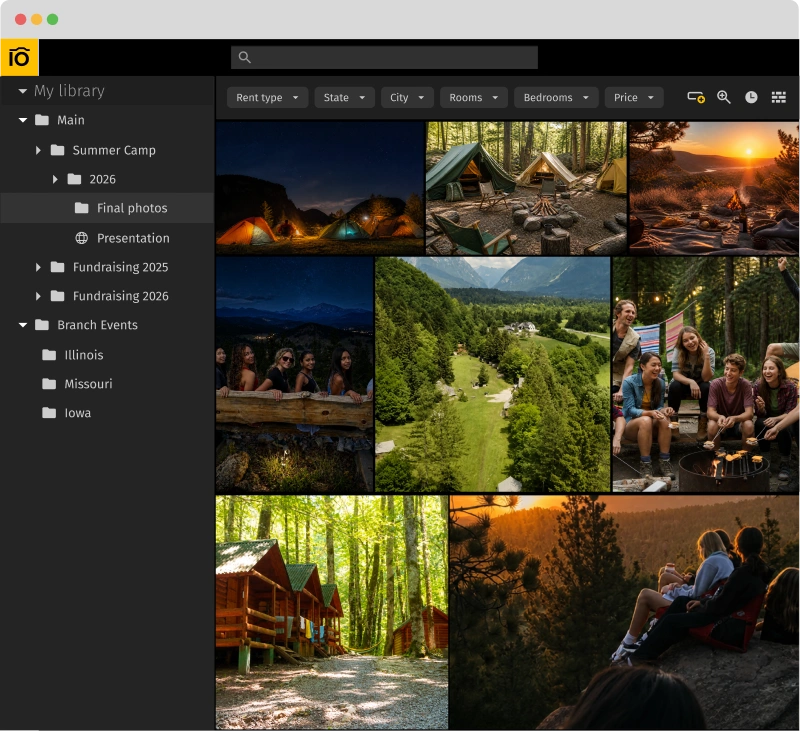
Pics.io centralizes camp, program, and community assets in one searchable library. Your marketing team finds the right photo in seconds — not hours digging through folders.
Part of the Pics.io Nonprofit Program — special pricing, priority support, and onboarding for YMCA marketing teams.
These are the exact words YMCA marketing teams use when they describe their photo problem.

Half our photos might as well not exist
Our team uploads from 50+ departments and branches every month. By the time anyone needs them, no one remembers where they are.

We use the same 20 photos over and over
The few that are easy to find in our shared drive get reused in every campaign. The other 10,000+ photos on our hard drives might as well not exist.

New hires think we don't have any photos
Finding the right asset depends entirely on knowing where someone decided to put it. New team members come in and assume our library is empty.

We're the bottleneck for everyone who needs a photo
Press, donors, branch coordinators, financial development — they all email us, and we manually dig through folders and email them back.
01 — Storage
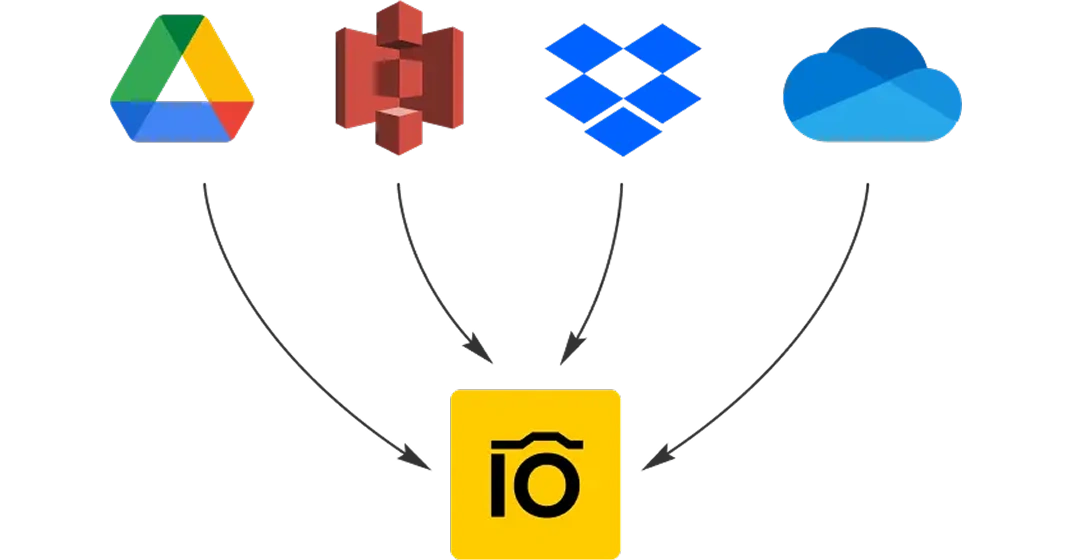
Connect your existing Google Drive or Amazon S3 directly — most YMCA teams don't migrate at all. Pics.io becomes your interface; your files stay where they are.
For teams on Dropbox, SharePoint, or external hard drives, our team helps plan and execute the move.
02 — AI Search
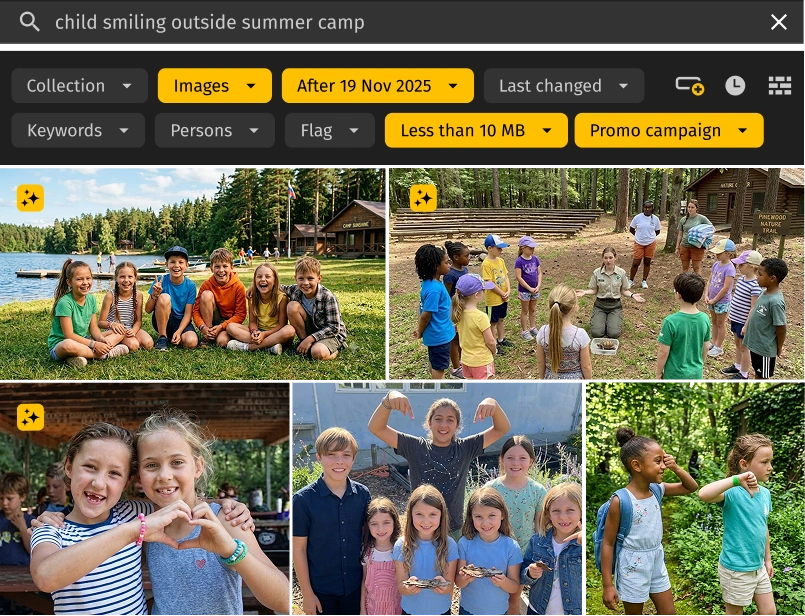
Search "child smiling outside" or "summer camp swimming" and Pics.io's AI surfaces the right images — no manual tagging required.
Auto-tagging runs at upload. Face recognition groups people across events. Visual search lets you find photos that look like a reference.
03 — Branches & Sharing
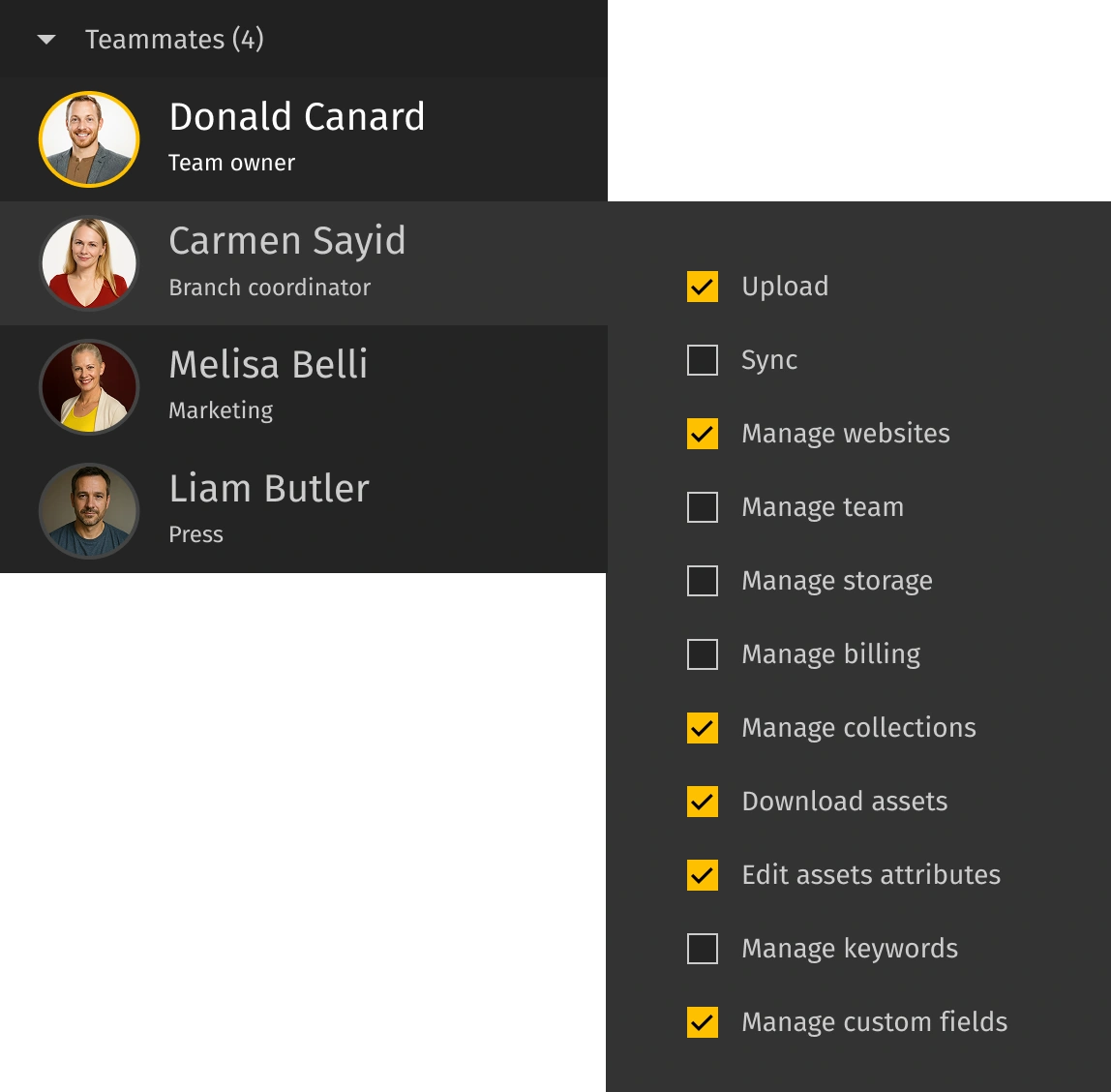
Branch-level permissions: your marketing team uploads, branch coordinators access only what they need. No more emailing folders or expired Dropbox links.
External portals let you share curated asset sets with donors, press, and sponsors — branded and access-controlled.
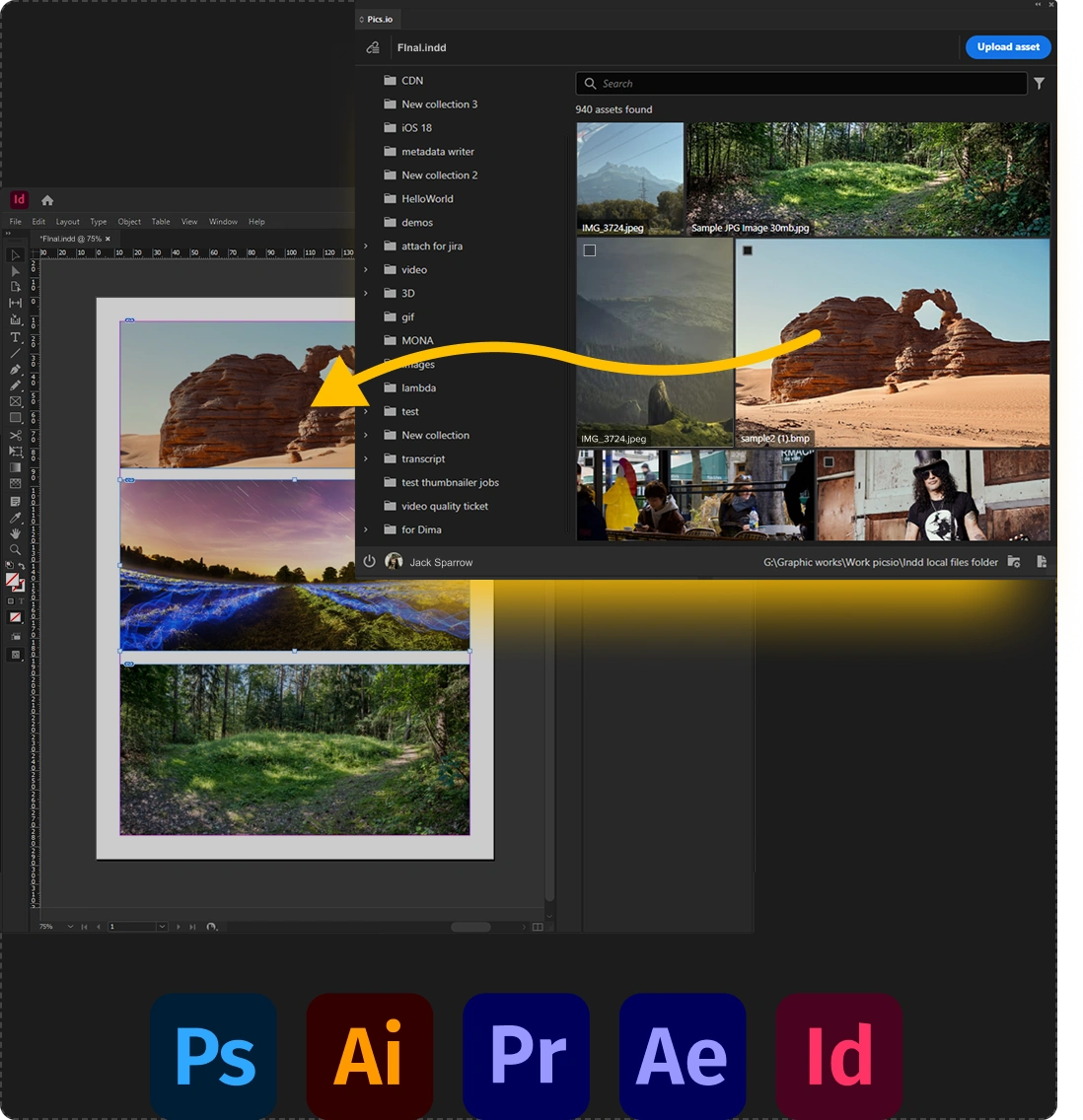
04 — Integrations
Adobe Creative Cloud plugin pulls assets directly into Photoshop and Premiere. Slack notifications keep the team in the loop on uploads, comments, and approvals.
Your design team stays in their tools — no extra app to learn or switch between.
Special pricing, priority support, and onboarding tailored for YMCA associations and other nonprofit marketing teams.
Applied to every annual subscription — your discounted rate stays the same year after year, on small, medium, or enterprise plans.

Even if our base price for nonprofits goes up, yours never does. Your starting rate is your forever rate.
At no extra cost. Train your marketing team, creative team, and branch coordinators separately — each group gets a focused session.

During business days your tickets jump to the front of the queue. Most questions answered within the hour.

Google Drive or S3 connect directly — most teams don't migrate. For Dropbox or SharePoint, we help plan the move.

7 days. Connect your storage, test all AI features with your real assets, and see how Pics.io fits your team's workflow before you commit. No credit card.
We walk through your specific YMCA workflow — branches, programs, sharing with donors and press.
Connect your storage, test all AI features, your team uses it with real assets.
Onboarding for marketing + branch coordinators. AI tagging runs on your full library.
Copy-paste-ready answers for your internal pitch.
No. Pics.io connects to your existing Google Drive or Amazon S3. You decide what to migrate and when. For teams on Dropbox or SharePoint, we help plan the move.
Your files stay in your own storage — Google Drive, Amazon S3, or wherever they live today. Pics.io is the interface layer; we don't hold your assets hostage. If you cancel, your files remain exactly where they are.
Dropbox and Google Drive are storage. Pics.io is a DAM — it adds AI search, metadata, permissions by branch, branded sharing portals, and Adobe/Slack integrations on top of the storage you already use.
Most YMCA teams are searching their library within the first week. Connect storage, run AI tagging on your backlog, and train branch coordinators in separate sessions — all included in the nonprofit program.
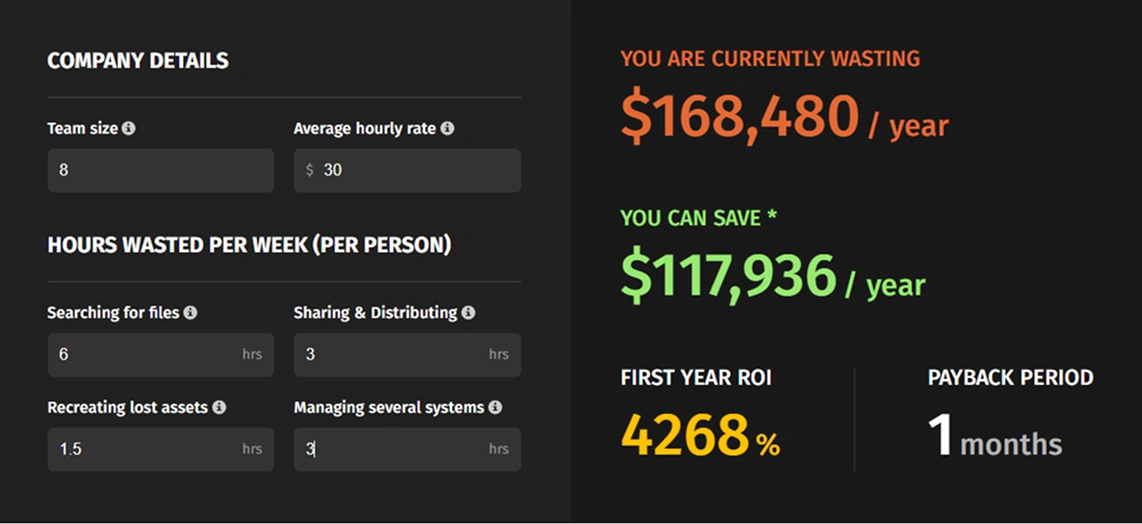
An average YMCA marketing team of 8 people loses roughly 13.5 hours per person per week to searching, sharing, recreating, and switching between storage tools.
At a $30 blended hourly rate, that's about $168k per year. A DAM recovers roughly 70% of that lost time — based on industry benchmarks.
30-minute demo with our team. We'll walk through your specific workflow — branches, programs, donor sharing — and show what your library could look like in 60 days.
By submitting this form, I agree to Pics.io Terms of Service and Privacy Policy and will receive communications from Pics.io